
AI Character Generator: Create Characters for Stories, Games, and Chat (2026)
By the Chatgbot Team · Published July 17, 2026
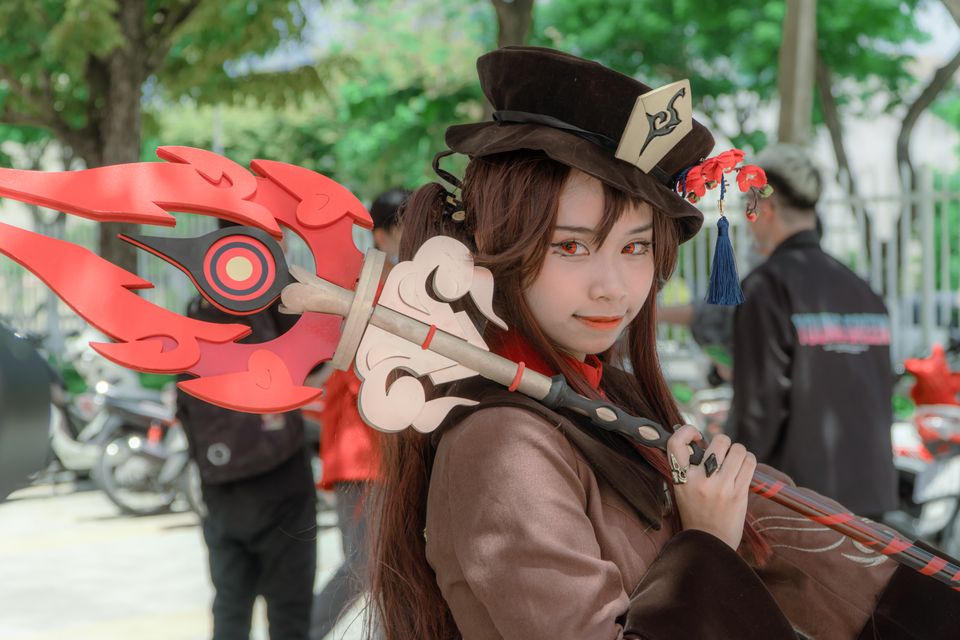
Search for an AI character generator and you will find two very different kinds of tools. Some generate character profiles, meaning names, backstories, motivations, and dialogue voices you can drop into a novel or a tabletop campaign. Others generate character art, meaning portraits and illustrations built from a text prompt.
The good news is that you do not need a niche tool for either job. A strong chat model handles the writing side, an image model handles the art side, and a few simple habits keep the same character consistent across both.
This guide covers both. You will get copy-paste prompts for character sheets, a portrait prompt template, and a way to turn any character into a persona you can chat with.
The two meanings of "AI character generator"
Before you pick a tool, decide which output you actually want:
- Character profiles: a written character sheet with appearance, backstory, personality traits, motivation, flaws, relationships, and a distinct way of speaking. Writers, game masters, and worldbuilders usually need this first.
- Character art: a visual of that character, from a quick portrait to a full-body reference sheet in a specific art style. Game developers, comic artists, and roleplayers often mean this.
Most projects eventually need both. Build the written profile first, since it becomes the raw material for better art prompts and a chat persona later.
Generate a character profile with a chat model
Any capable chat model works as a character generator AI if you give it a structured request. Vague prompts like "create a fantasy character" produce generic results. Structured prompts produce characters you can actually use.
A copy-paste character sheet prompt
Paste this into your chat model and fill in the brackets:
Prompt: "Create a detailed character sheet for a [genre] story. The character is a [age] [role or occupation] whose core conflict is [one sentence]. Include: full name and nickname, physical appearance in 4 to 5 specific details, backstory in 150 words, core motivation, greatest fear, a flaw that creates problems, two secrets, three relationships, and a distinctive speech pattern with two sample lines of dialogue. Avoid cliches. Make one choice in the profile genuinely surprising."
The final instruction matters most: asking for one surprising choice pushes the model past stock archetypes like the brooding loner or the wise mentor.
For D&D and tabletop games
For game characters, add mechanical details to the same prompt: "Also include a D&D 5e class and subclass suggestion, suggested ability score priorities, two personality traits, an ideal, a bond, and a flaw formatted for a 5e character sheet." Unlike random generators, the model keeps the narrative and mechanical halves consistent with each other.
Give your character a distinct voice
A profile tells you who the character is, but voice makes them feel alive on the page. The fastest way to develop it is to interview the character.
Prompt: "Stay in character as [name] from the profile above. I will interview you. Answer in your own voice, with your speech patterns, evasions, and biases. Never break character. First question: what do you want that you cannot have?"
Ten minutes of interviewing surfaces speech habits, sore spots, and opinions you would never write directly. Copy the best lines back into the character sheet as canonical dialogue samples. An AI story generator workflow can then weave that voice into full scenes.
Generate character art with an image model
For the visual side you need an image model, and the best AI for image generation depends on whether you want painterly styles, anime, or photorealism.
A portrait prompt template
Prompt: "Character portrait of [name], [age] [gender], [3 to 4 fixed physical details: hair, eyes, distinguishing feature, build], wearing [outfit], [expression], [pose], [art style: e.g. digital painting, anime, oil portrait], [lighting], [background], head and shoulders composition."
Pull the physical details straight from your character sheet so the art matches the writing. Be concrete: "a thin scar through the left eyebrow" generates far more reliably than "battle-worn."
Keeping the same face across images
Consistency across multiple images is the hardest part of any AI character creator workflow. Three habits help:
- Freeze a descriptor block. Write one fixed sentence describing the character's face, hair, and signature feature. Paste it word for word into every prompt, changing only pose, outfit, and scene.
- Reuse a reference. When a model supports image references or editing, feed your best portrait back in and ask for variations instead of generating from scratch.
- Lock the style. Keep the same art style phrase and lighting terms in every prompt. Style drift makes the same face look like a different person.
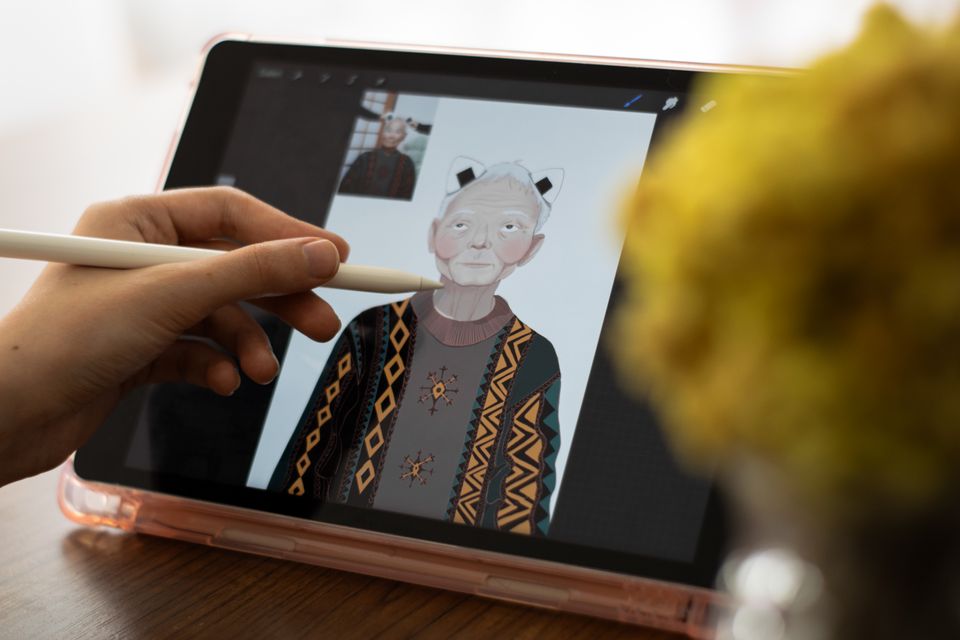
Turn your character into a chatbot you can talk to
Once the profile exists, you can chat with the character directly. Paste the full character sheet into a new conversation with instructions like this:
Prompt: "You are [name]. The profile below defines everything about you. Stay in character in every reply. Speak in your established voice, hold your stated opinions, and only know what this character would know. If I ask something outside your knowledge, respond as the character would, not as an AI."
If your app supports custom instructions or saved personas, store the sheet there so every new chat starts in character. If dedicated roleplay is your main goal, our roundup of Character AI alternatives compares the options in depth.
Keep every detail consistent with a character bible
AI models do not remember your character between conversations unless you bring the details with you. The fix is a character bible, a single document holding the character sheet, the frozen appearance descriptor, canonical dialogue samples, and a running list of established facts.
Paste the relevant section at the start of any new session, whether you are writing a chapter, generating art, or roleplaying, and update it whenever a session establishes something new. This habit prevents the classic failure where a character's eye color, accent, or backstory quietly changes between sessions.
Use the right model for each job
Different parts of the workflow favor different models.
| Task | What to look for | Good picks in 2026 |
|---|---|---|
| Character profiles and backstory | Creative depth, low cliche rate | Claude, GPT-5.6 |
| Long roleplay and in-character chat | Staying in character over long sessions | Claude, Grok |
| Character art | Style range, reference support | Leading image models via GPT-5.6 and Gemini |
| Lore research and name checks | Search and factual grounding | Perplexity, Gemini |
How these model families differ is covered in our guide to AI models explained. The practical takeaway: profile writing, art generation, and roleplay are separate skills, so switching models mid-project beats committing to one.
Frequently asked questions
What is the best AI character generator?
There is no single best tool because the term covers two jobs. For written character profiles and roleplay, a top chat model like Claude or GPT-5.6 works best. For character art, use a dedicated image model. The strongest workflow combines both.
Can an AI character generator create both a personality and a picture?
Yes, but usually with two different models. Build the character sheet with a chat model first, then reuse its appearance details word for word in your image prompts. Apps that bundle chat and image models let you do both without switching tools.
How do I keep an AI-generated character consistent across images?
Freeze one descriptor sentence covering face, hair, and a signature feature, and paste it unchanged into every prompt. Keep the art style and lighting terms identical, and use image references or editing features to generate variations from your best portrait instead of starting over.
Can I chat with a character I created?
Yes. Paste the character sheet into a new conversation with an instruction to stay in character, or save it as a custom persona if your app supports it. The more specific the sheet is about voice, knowledge, and opinions, the more convincing the roleplay stays over long chats.
Create characters with every top model in one app
An AI character generator workflow really means three tools: a writing model for profiles, an image model for art, and a roleplay-capable model for chat. Chatgbot puts GPT-5.6, Claude, Gemini, Grok, DeepSeek, and more in one app with a single subscription, so you can draft a backstory, generate the portrait, and interview your character in the same place. Try it at chatgbot.ai and build your next character end to end.