
Claude Code vs Cursor (2026): Which AI Coding Tool Wins?
By the Chatgbot Team · Published August 17, 2026
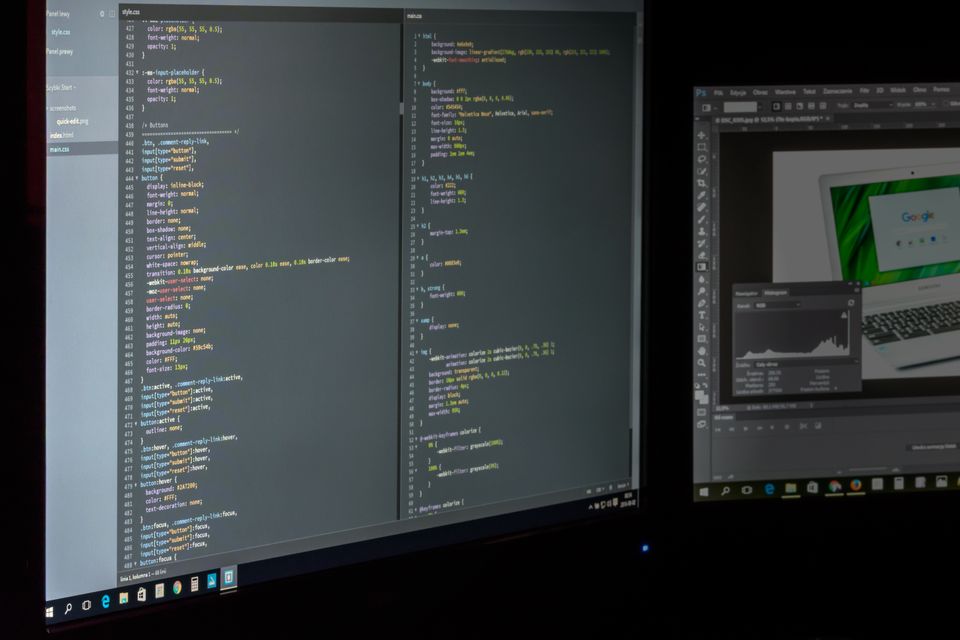
Quick verdict: pick Claude Code when you want an agent that plans and edits across many files straight from your terminal, and pick Cursor when you want a full code editor with AI built into every keystroke. Neither tool wins for everyone, because they approach coding from opposite ends of the same problem.
Every top AI in one app
GPT, Claude, DeepSeek, Qwen and GLM — one subscription.
Try ChatGBot →Claude Code is Anthropic's terminal and agentic coding tool. Cursor is an AI-first code editor (an IDE) that many teams use as a Visual Studio Code replacement. They come from different companies and are separate developer products, so this guide compares how they feel to work with rather than chasing benchmark scores.
What is Claude Code?
Claude Code is Anthropic's command line coding tool. It runs in your terminal, reads your project, and acts as an agent: you describe a goal, and it plans steps, opens files, edits code, runs commands, and reports back. For a deeper walkthrough, see what Claude Code is.
The key idea is agentic work. Instead of suggesting one line at a time, Claude Code can move through a whole task, touching several files and running your test suite along the way. It leans on strong Anthropic models, and you can read more about the model family in Claude Sonnet.
Because it lives in the terminal, Claude Code fits naturally into scripts, git workflows, and remote servers. There is no separate window to manage, which some developers love and others find less visual.
What is Cursor?
Cursor is an AI-first code editor. It is a full graphical IDE, built as a fork of Visual Studio Code, so it keeps the familiar files, tabs, extensions, and layout you already know. The difference is that AI is woven into the editing experience.
Cursor gives you inline completions as you type, a chat panel that sees your codebase, and an agent mode that can make multi file changes. It also lets you choose among several underlying models, so you are not locked into one provider for every request.
If you like seeing your code, your file tree, and your changes on screen at all times, Cursor feels like home. It is an editor first and an AI tool second, which is exactly the point.
Where Claude Code shines
Claude Code is strongest on agentic, multi file, terminal heavy work. When a task means "touch ten files, update the tests, and run the build," the agent approach saves a lot of manual clicking.
- Multi file refactors: it can trace a change across your project instead of stopping at one file.
- Terminal and git flow: it runs commands, checks output, and keeps working, which suits automation and server work.
- Model quality: it uses capable Anthropic models that handle long, layered instructions well.
- Low visual overhead: no window switching, just a conversation in the terminal you already have open.
If most of your friction is doing repetitive work across a codebase, this is the tool that removes it. For a wider view of the field, see the best AI for coding.
Where Cursor shines
Cursor shines on editor experience and fast, in the moment help. Because it is a real IDE, everything you expect from a modern editor is there, plus AI on top.
- Inline completions: suggestions appear as you type, which speeds up everyday coding.
- Full editor UX: file tree, debugging, extensions, and a visual diff of every AI change.
- Multi model choice: you can switch among different models for different tasks.
- Gentle learning curve: if you know VS Code, you are productive on day one.
For developers who want to stay inside a polished editor and accept or reject changes visually, Cursor is hard to beat.
Workflow differences: CLI agent vs IDE
The biggest gap is not quality, it is where you work. Claude Code puts an agent in your terminal, so you drive it with prompts and let it act. Cursor keeps you in a visual editor, so you stay hands on and review each edit as it lands.
With Claude Code, you tend to describe an outcome and check the result. With Cursor, you tend to steer continuously, accepting completions and nudging the agent inside a window you can see. One favors delegation, the other favors close control.
Many developers use both: Cursor for daily coding and Claude Code for bigger agentic jobs. If software that plans and acts on its own is new to you, what AI agents are gives helpful background.

Pricing models, in plain terms
Pricing changes often, so treat this qualitatively and check each site for current numbers. Both tools generally offer a paid subscription, and both can involve usage based costs when you lean on heavier models or run long agent sessions.
Cursor typically sells editor subscriptions with tiers that expand how much AI you can use. Claude Code is tied to Anthropic's plans and usage, since the agent calls Anthropic models directly. The takeaway is simple: light in editor help is easier to predict, while heavy agent runs can cost more because they do more work per request.
Claude Code vs Cursor: comparison table
| Factor | Claude Code | Cursor |
|---|---|---|
| Type | Terminal agent (CLI) | AI-first code editor (IDE) |
| Best for | Agentic multi file and terminal work | Daily editing with inline AI |
| Interface | Command line, low visual overhead | Full graphical editor |
| Models | Anthropic models | Multiple models to choose from |
| Inline completions | Not the focus | Core feature |
| Learning curve | Comfortable if you live in the terminal | Easy if you know VS Code |
| Change review | Reported in the terminal | Visual diffs you accept or reject |
Who should pick which?
Choose Claude Code if you are comfortable in the terminal, you want to delegate large tasks to an agent, and you value strong model quality for multi file work. It suits automation, refactors, and developers who like handing off a job and reviewing the result.
Choose Cursor if you want a full editor, fast inline suggestions, visual control over every change, and the flexibility to pick among several models. It suits developers who want AI to ride along inside a familiar IDE.
If you cannot decide, try Cursor for daily coding and add Claude Code for the heavy agentic jobs. Together they cover both close editing and hands off automation.
A note on chatting with Claude alongside other models
Claude Code and Cursor are developer tools, and you set each one up directly with its maker. That is different from simply chatting with an AI to compare answers. If your goal is to ask a question and see how Claude, GPT, DeepSeek, Qwen, and GLM respond, an all in one chat app is the easier path.
That is the soft angle for Chatgbot: it bundles Claude for chat next to other leading models under one subscription, so you can compare model answers in a normal conversation. It is not a coding IDE, and it does not provide Claude Code, but for everyday chat and quick model comparisons it saves you from juggling many separate apps.
Frequently asked questions
Is Claude Code better than Cursor?
Neither is simply better. Claude Code is stronger for agentic, multi file, terminal driven tasks, while Cursor is stronger for daily editing with inline AI inside a full IDE. The right pick depends on how you like to work.
Can I use Claude Code and Cursor together?
Yes. Many developers write and read code in Cursor and hand larger agentic jobs to Claude Code. They complement each other because one focuses on close editing and the other on hands off automation.
Does Cursor use Claude models?
Cursor lets you choose among several underlying models, and Anthropic's Claude models are commonly available options. You can switch models depending on the task, which is one of Cursor's selling points.
Is Cursor just VS Code with AI?
Cursor is built on the same open base as Visual Studio Code, so it feels familiar, but AI is woven throughout with inline completions, codebase aware chat, and an agent mode. It is more than a plugin bolted onto a standard editor.
The easy way to compare AI models in chat
For coding, choose the tool that matches your workflow: Claude Code for terminal agents, Cursor for an AI-first editor. For everyday chat where you want Claude and other top models side by side under one subscription, try Chatgbot.