
The Best AI Video Generators in 2026 (Text to Video, Compared)
By the Chatgbot Team · Published July 20, 2026
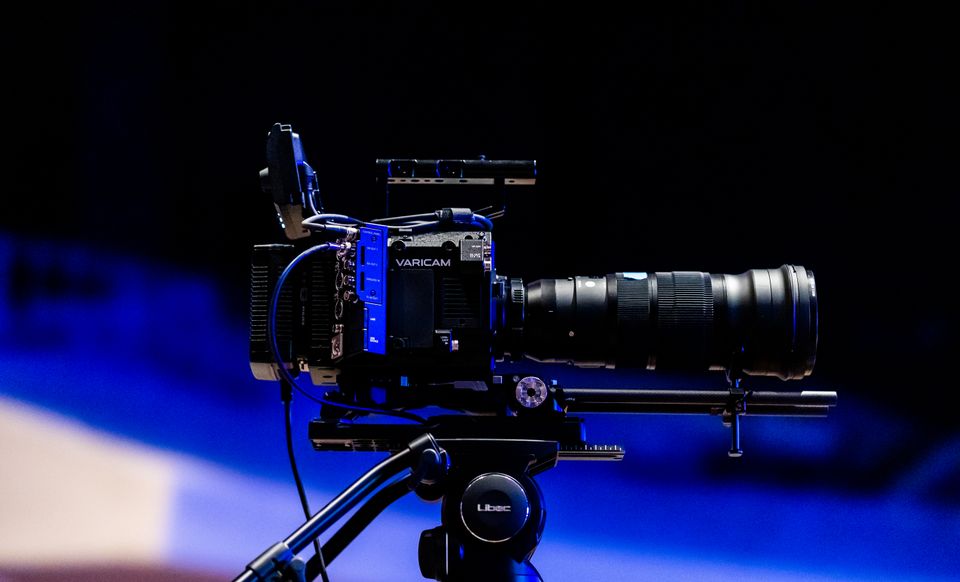
Text to video has moved fast. Two years ago, an AI video generator produced wobbly clips that fell apart the moment anything moved. In 2026, the best tools generate short clips that can pass for real footage at first glance.
Every top AI in one app
GPT, Claude, DeepSeek, Qwen and GLM — one subscription.
Try ChatGBot →That does not mean the technology is finished. Clips are still short, characters change appearance between shots, and physics breaks in strange ways. The trick is knowing what each tool does well and building a workflow around the limits.
This guide continues our series on picking the right AI for the job. We compare the main text to video players, explain what each type of tool is best at, and walk through a workflow that produces usable videos today.
Where text to video stands in 2026
Modern AI video generators turn a written prompt into a clip with believable lighting, camera movement, and motion. The best demo reels look like commercials. Everyday output is more mixed, and most single generations top out at seconds rather than minutes.
That short length shapes everything. Nobody generates a finished five minute video in one pass. Creators generate individual shots, pick the best takes, and stitch them together in an editor, much like traditional filmmaking with a far cheaper camera.
If you expect a finished film from one prompt, you will be disappointed. If you treat these tools as shot generators inside a larger workflow, they are genuinely useful, and for concept ads, b-roll, and social clips they are already replacing stock footage.
The main AI video generators, compared
Versions change every few months, so focus on each tool's character rather than its release number.
- OpenAI's Sora line. Known for cinematic realism and strong prompt understanding. It handles complex scene descriptions well and has a social style app built around sharing and remixing clips.
- Google's Veo. Excellent motion and physics, and it can generate audio along with the picture. Tightly integrated with Google's ecosystem, which makes it convenient if you already work there.
- Runway. Built for filmmakers and editors. Its strength is control: camera moves, motion targeting, reference images, and a full editing environment wrapped around the generator.
- Pika. Fast and playful, popular for stylized looks, effects, and social content. Great for experimenting because iterations are quick.
- Kling. Strong at realistic human movement and comparatively long clips. A favorite for character driven shots.
- Open source options. Free to run locally with maximum control, but with lower quality ceilings and much more setup work.
Pricing across the category is subscription based, usually with credits per generation. Expect free tiers with watermarks and limits, and paid tiers that unlock higher resolution and more generations.
What each type of tool is best at
Different projects need different engines. A quick way to choose:
- Photorealistic scenes. The Sora line and Veo lead here. Use them for product shots, nature footage, and anything meant to look like it came from a camera.
- Stylized animation. Pika and Runway shine for anime looks, motion graphics vibes, and clips where a strong art direction matters more than realism.
- Avatars and talking heads. Dedicated avatar tools like HeyGen and Synthesia beat general video models for presenters, training videos, and lip synced speech.
- B-roll and filler. Almost any modern generator works. Short cutaway shots hide the usual AI flaws because viewers only see them for a second or two.
A realistic text to video workflow
The people getting good results are not typing one prompt and exporting. They run a pipeline:
- Write the script first. Use a chat model to draft the voiceover, the hook, and the beats. If your video tells a story, our guide to using an AI story generator covers this step in depth.
- Break the script into shots. One scene per line, with a note on framing and motion. This becomes your prompt list.
- Create reference images. Generating a still image of your character or setting first, then animating from that image, dramatically improves consistency. See our roundup of the best AI for image generation.
- Generate multiple takes per shot. Expect to keep one clip out of every three or four generations.
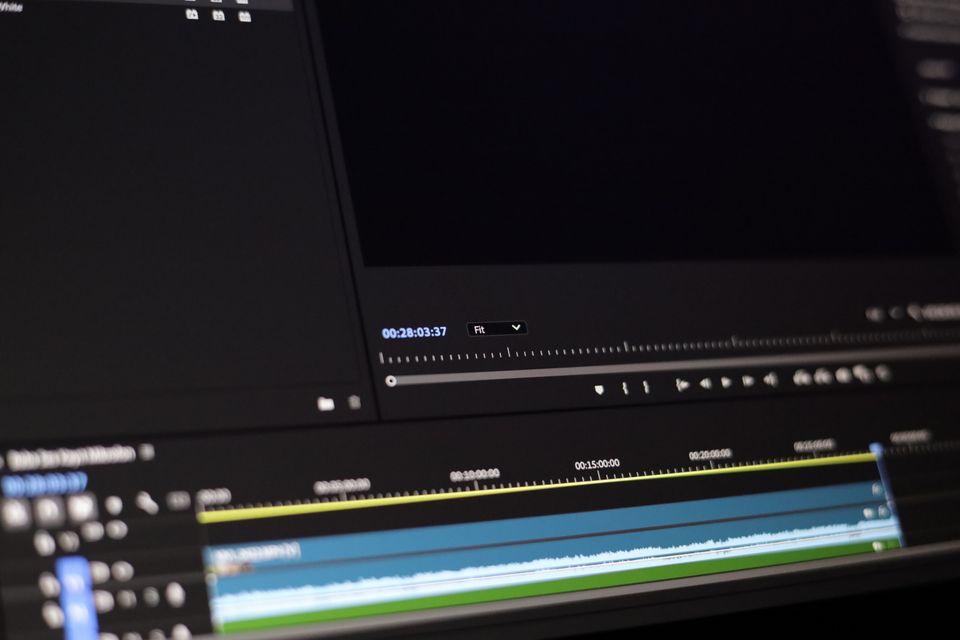
- Edit everything together. Cut the takes in a normal video editor, then add voiceover, music, and captions.
Prompt tips for AI video
Video prompts reward specificity about motion, not just appearance. A few rules that consistently help:
- One shot, one action. Ask for a single camera move and a single subject action per clip. Multi step prompts almost always collapse.
- Use camera language. Terms like slow dolly in, handheld, aerial wide shot, and shallow depth of field steer the model better than adjectives.
- Anchor the style. Name a look (35mm film, claymation, 90s VHS) and repeat it in every prompt for the same project.
- Describe the motion explicitly. Say what moves and how fast. Models default to slow drift if you do not.
- Iterate in small steps. Change one variable per retry so you can tell what worked.
Current limits to plan around
Knowing the failure modes saves credits and frustration:
- Length. Single generations are still measured in seconds. Longer videos come from stitching, not from one prompt.
- Consistency. Characters and objects drift between shots. Reference images help, but perfect continuity is still hard.
- On screen text. Signs, labels, and captions often come out garbled. Add real text in your editor instead.
- Physics. Hands, liquids, crowds, and fast collisions still glitch. Slow, simple motion looks far more convincing.
Licensing, watermarks, and disclosure
Before you publish, check three things. First, the license: most tools allow commercial use on paid plans, while free tiers often restrict it, so read the terms for the plan you are on. Second, watermarks: free outputs usually carry a visible watermark, and many tools embed invisible content credentials in every file that identify it as AI generated.
Third, disclosure: major platforms now ask creators to label realistic AI generated video. Labeling costs you nothing and protects your account, so do it by default.
The script is still the hard part
Here is the honest secret of AI video: the generator is rarely the bottleneck. A stunning clip with a weak script gets scrolled past. A modest clip with a sharp hook and a tight story performs.
That is why the writing step deserves the most attention, and it is where chat models are far ahead of video models. Drafting a script with GPT-5.6, punching up the hook with Claude, and asking Gemini to tighten the pacing takes minutes and costs almost nothing compared to burning video credits on a script that was never going to work. For the wider toolkit around this workflow, see our guide to the best AI tools in 2026.
FAQ
What is the best AI video generator in 2026?
There is no single winner. The Sora line and Veo lead for realism, Runway offers the most creative control, Pika is best for fast stylized clips, and Kling stands out for human motion. Test your specific use case on free tiers before paying.
How long can AI generated videos be?
Most tools generate clips measured in seconds, with some stretching toward a minute. Longer videos are made by generating many short shots and editing them together, the same way traditional films are cut.
Can I use AI generated video commercially?
Usually yes on paid plans, but licenses differ by tool and tier. Check the terms for your plan, remove or accept watermarks accordingly, and label realistic AI content where platforms require it.
How do I write a good text to video prompt?
Describe one shot with one action, use camera language like dolly in or aerial wide shot, name a consistent visual style, and state exactly what moves in the frame. Then iterate, changing one detail at a time.
Write your next video with every top AI in one place
The fastest wins in AI video come before you ever open a generator: a strong script, a clear shot list, and prompts refined by a capable chat model. Chatgbot gives you GPT-5.6, Claude, Gemini, Grok, and DeepSeek in one app, so you can draft the script with one model, tighten it with another, and turn your best ideas into prompts worth rendering.