
Is Google Gemini Free? What the Free Plan Includes (2026)
By the Chatgbot Team · Published August 12, 2026
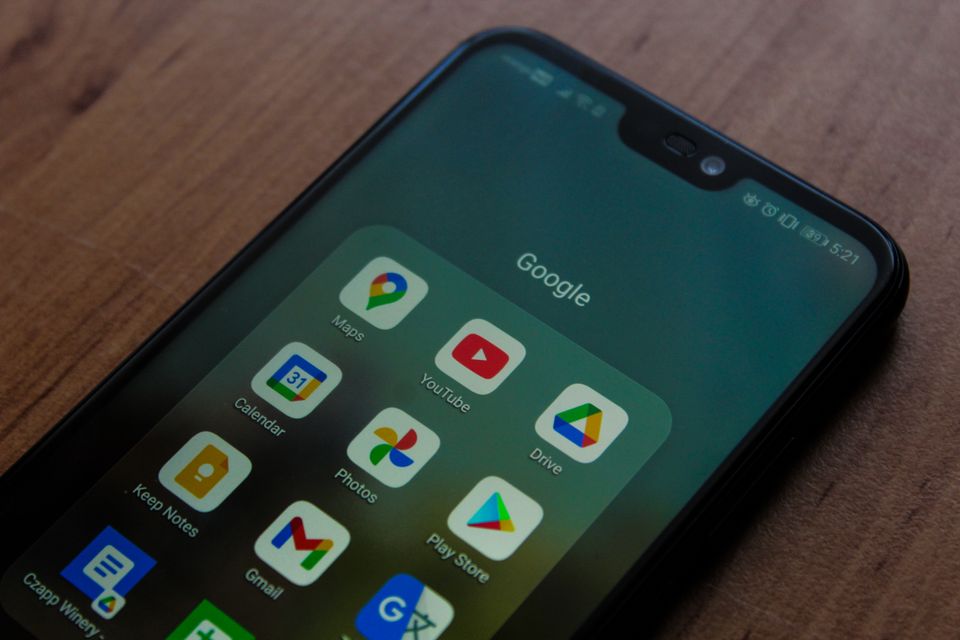
Yes, Google Gemini is free. Anyone with a Google account can chat with Gemini, ask questions, work with images, and use it inside Google apps at no cost. A paid tier, Gemini Advanced (part of Google's paid AI plans), unlocks the strongest models, higher limits, and deeper Workspace features.
Every top AI in one app
GPT, Claude, DeepSeek, Qwen and GLM — one subscription.
Try ChatGBot →So the honest answer is that Gemini is free for most everyday use, and you only pay when you want the top model or heavy usage. This guide breaks down exactly what the free plan includes, where it stops, and how it compares to the free versions of ChatGPT and Claude.
What the free version of Gemini includes
The free plan is more generous than many people expect. With a standard Google account you get a capable assistant that handles most common tasks.
- Text chat and Q&A: ask questions, brainstorm, draft emails, summarize text, and get explanations.
- Image understanding: upload a photo or screenshot and ask Gemini what is in it or to pull out details.
- Some image generation: create pictures from a text prompt, within daily limits.
- File and document help: paste or upload text and have Gemini summarize or rewrite it.
- Access inside Google apps: Gemini shows up in places like Search, the Gemini app, and parts of Android, with free usage capped.
- Web-connected answers: Gemini can pull in current information rather than relying only on old training data.
For students, casual users, and anyone testing what an AI assistant can do, the free tier covers a lot of ground. If you are new to it, how to use Gemini walks through the basics step by step.
Where the free plan stops
The free version is real, but Google keeps its best capabilities for paying users. Here is where you are likely to hit a wall.
- Usage caps: free accounts have daily limits on messages and image generations. Heavy sessions can pause until the limit resets.
- Best models behind the paywall: the most advanced Gemini model, with stronger reasoning and longer context, is reserved for the paid tier.
- Some Workspace features are paid: deep Gemini help inside Gmail, Docs, and Sheets for work accounts often needs a paid Workspace or AI plan.
- Less storage and fewer extras: the paid plan usually bundles extra Google One storage and other perks the free tier does not get.
None of this makes the free plan useless. It just means power users and professionals eventually feel the ceiling.
Free Gemini vs Gemini Advanced at a glance
Here is a simple side by side so you can see what upgrading actually buys you.
| Feature | Free Gemini | Gemini Advanced (paid) |
|---|---|---|
| Text chat and Q&A | Yes | Yes |
| Image understanding | Yes | Yes |
| Image generation | Limited | Higher limits |
| Most advanced model | No | Yes |
| Usage limits | Lower | Higher |
| Deep Workspace help | Partial | Fuller |
| Extra storage and perks | No | Usually included |
Prices and plan names shift over time, so check Google's current page before subscribing. The paid tier has been sold as part of Google's AI plans (previously Google One AI Premium). For a broader look at the product itself, see what is Gemini.
How to access Gemini for free
You do not need a special sign up. If you have a Google account, you already have access. The main ways in are:
- The Gemini app: download it on Android or iPhone and sign in with your Google account.
- The web: open the Gemini website in any browser and start typing.
- Android built in: on many phones Gemini can replace the older assistant for voice and quick questions.
- Inside Google apps: look for Gemini prompts in Search and other Google products, with free limits applied.
All of these work on the free plan. You only see upgrade prompts when you push past the free limits or ask for a paid feature.
Gemini free vs ChatGPT and Claude free tiers
Gemini is not the only assistant with a free plan. The big three all give you something for nothing, and they draw the paid line in similar places.
- Gemini: strong free tier, tight integration with Google apps and Android, best model held back for the paid plan.
- ChatGPT: a free plan with limits, with the newest models and higher caps reserved for paid users. See is ChatGPT free.
- Claude: a free tier with daily message limits, and heavier or longer work pushed toward the paid plan. See is Claude free.
The pattern is the same across all three: free is enough to get real work done, but daily caps and the strongest models are the reason people upgrade. If you want to weigh Gemini against the most popular rival directly, Gemini vs ChatGPT compares them feature by feature.
Using several AI models in one app
One frustration with free tiers is that each assistant lives in its own app with its own limits. Hit the cap on one and your work stops until it resets. Bounce between apps and you lose your history and your flow.
This is where a multi-model app helps. Chatgbot puts several leading AI models in one place for one subscription, so you can switch models mid conversation instead of juggling separate accounts. The lineup includes OpenAI GPT, Claude, DeepSeek, Qwen, and GLM, plus image generation, PDF analysis, and web search.
Gemini is not part of the Chatgbot lineup, so if Google's assistant is the only one you want, use the Gemini app directly. But if you like the idea of comparing answers from different models and never being stuck behind a single free cap, an all in one app is worth a look. You can explore more options in free AI chatbots.
Frequently asked questions
Is Google Gemini completely free?
The core Gemini assistant is free with any Google account, covering chat, image understanding, and limited image generation. Some advanced models and deeper Workspace features require the paid Gemini Advanced plan.
Do I need to pay to generate images with Gemini?
No. The free plan lets you create images from text prompts, but with daily limits. The paid tier raises those limits and adds access to stronger models.
What is the difference between Gemini and Gemini Advanced?
Gemini is the free assistant. Gemini Advanced is the paid tier that unlocks the most capable model, higher usage limits, deeper help inside Google apps, and extra perks like added storage.
Is Gemini free better than free ChatGPT?
Both are strong and free to start. Gemini stands out for tight Google and Android integration, while ChatGPT has a large ecosystem. The right pick depends on which apps you already use.
The takeaway: try free, upgrade only if you need to
Gemini is genuinely free for everyday use, and most people never have to pay. Start with the free plan, and only consider Gemini Advanced if you hit the caps or need the top model. And if you would rather not be locked into one assistant, an app like Chatgbot lets you use several top AI models together for one price.