AI Tattoo Generator: Design Your Next Tattoo with AI (2026)
By the Chatgbot Team · Published July 21, 2026
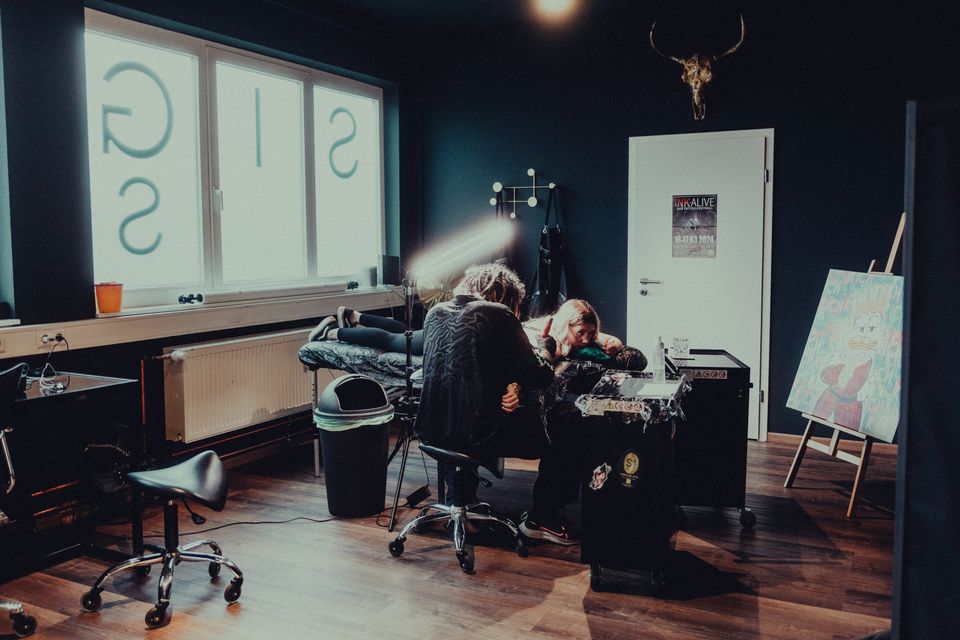
A tattoo is one of the few design decisions you cannot undo, so it pays to see your idea before it touches skin. An AI tattoo generator lets you do exactly that. You describe the concept, and an image model turns it into artwork you can refine, compare, and bring to your artist.
Every top AI in one app
GPT, Claude, DeepSeek, Qwen and GLM — one subscription.
Try ChatGBot →You do not need special software. Any modern AI chatbot with image generation can work as a tattoo generator, and the chat format makes it easy to iterate. This guide covers a step-by-step workflow, copy-paste prompts by style, and what to do before you book the appointment.
How people use an AI tattoo generator
Most people use AI at the idea stage. Three uses come up again and again:
- Style exploration. You have a subject (a wolf, a date, a flower) but no idea whether it should be fine line, traditional, or blackwork. AI can render the same subject in five styles in minutes.
- Custom concepts. Instead of picking flash art that hundreds of people already have, you can combine elements that matter to you. A compass merged with a mountain range, or your pet framed in geometric linework.
- Placement previews. You can ask the model to show a design on a forearm, shoulder, or ankle. It will not be anatomically perfect, but it helps you judge scale and whether a piece suits the spot.
Think of the output as a concept board, not a finished stencil. More on that below.
Step by step: design a tattoo with a chat image model
This workflow works in any chatbot with image generation:
- Describe the subject and style. For example: "a minimalist fine line tattoo of a swallow in flight, single needle style, delicate linework".
- Specify size and placement. Add the body part and rough dimensions: "designed for the inner forearm, about 4 inches tall, vertical composition". Placement shapes the design, so include it early.
- Ask for tattoo-friendly output. Request "black ink on plain white background, clean bold lines, no shading gradients" so the result reads like a design sheet rather than a painting.
- Iterate in the same chat. Say "make the lines thinner", "remove the banner", or "give me three variations" and the model refines the concept with full context. This is where chat models beat standalone generators.
- Generate a placement mockup. Once you like a design, ask for it shown on the body part you chose to sanity-check the scale.
Expect 5 to 15 iterations before something clicks. That is normal.
8 copy-paste tattoo prompts by style
Use these as starting points and swap in your own subject. Each one includes the style keywords that steer image models toward tattoo-ready output.
Fine line
- "Fine line tattoo design of a crescent moon with a sprig of lavender, single needle style, ultra thin black lines, minimalist, white background"
- "Delicate fine line tattoo of two hands almost touching, continuous single line style, small wrist placement, black ink only"
Traditional
- "American traditional tattoo flash of a swallow carrying a rose, bold black outlines, limited palette of red, yellow and green, old school style"
- "Traditional style tattoo of an anchor wrapped in rope with a banner, thick lines, heavy black shading, white background"
Geometric
- "Geometric tattoo design of a bear head built from clean straight lines and triangles, symmetrical, blackwork, dotwork shading accents"
Script
- "Elegant script lettering tattoo of the word 'resilient', flowing cursive with clean tapered strokes, designed for the collarbone, black ink"
Floral
- "Botanical tattoo design of a peony with stem and leaves, fine line with light stippling, vertical composition for the upper arm, black ink on white"
Blackwork
- "Bold blackwork tattoo of a raven in flight, solid black silhouette with negative space feather details, high contrast, designed for the shoulder"
Tips for tattoo-ready art
Tattoos live on skin, not screens, and a design that looks great digitally can age badly as ink. Steer the AI with these constraints:
- High contrast. Skin softens everything over time. Ask for strong blacks and clear negative space instead of subtle gray gradients.
- Clean, separated lines. Lines placed too close together can blur into each other as the tattoo ages. Request "clear spacing between lines" for dense designs.
- Bold enough to shrink. If you want a small tattoo, avoid micro detail. Ask the model to simplify the design at the size you plan to get.
- Think in decades. Tiny text, hair-thin lines, and packed dotwork soften first. If you squint and the design still reads clearly, it will probably age well.
If you end up with a concept you love at low resolution, an AI image upscaler can sharpen it before you send it to your artist.
Before the needle: AI is a concept tool
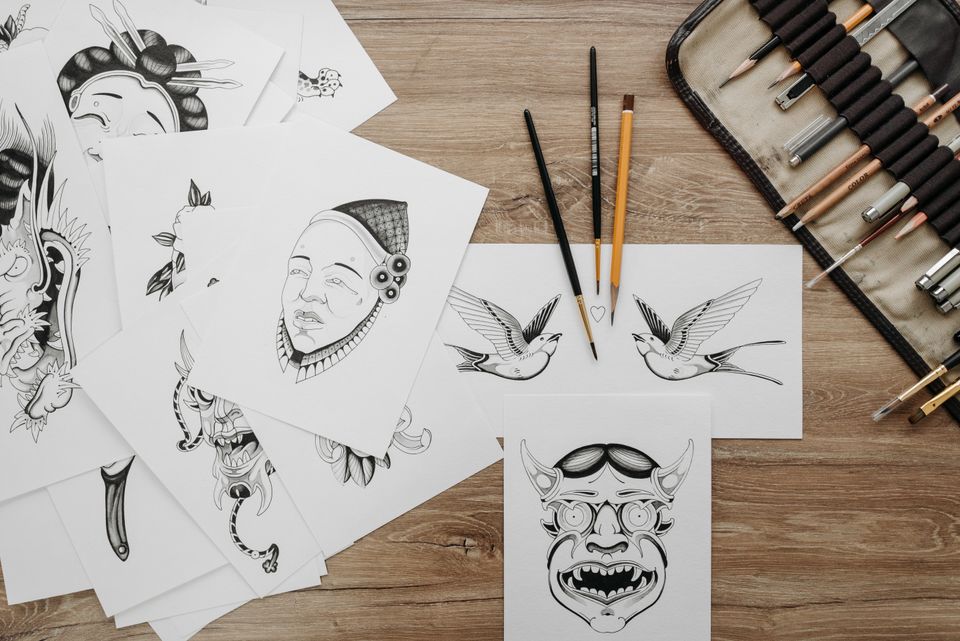
Do not walk into a studio expecting an artist to trace an AI image. A tattoo artist redraws every design for skin. They adjust line weights, adapt the composition to your anatomy, and fix the structural issues AI output almost always has.
Use your AI concepts as a brief. Bring two or three favorites and say what you like about each one: the composition of this, the line weight of that. Most artists prefer a clear reference to a vague description. Expect the final design to differ from the AI version, and treat that as a feature. The artist's redraw is what makes it tattooable.
Common AI mistakes to watch for
AI image models are not tattoo artists, and their mistakes follow patterns:
- Impossible detail. Models love micro texture no needle can reproduce. If a detail would be smaller than a few millimeters on skin, it will not survive.
- Text errors. AI still garbles lettering, especially script. Have any text redrawn by your artist and double-check spelling in every generation.
- Broken symmetry. Geometric and mandala designs often look symmetrical at a glance but drift on close inspection. Zoom in before you fall in love with one.
- Anatomy glitches. Placement mockups can bend wrists and shoulders in odd ways. Use them for scale only, not as a literal preview.
Try the same concept across different image models
Image models have distinct styles. One might excel at delicate fine line work while another produces stronger traditional flash. Using one model means seeing one interpretation of your idea. Our comparison of the best AI for image generation breaks down how the major models differ.
That is where Chatgbot helps. You can send the same prompt to GPT-5.6, Gemini, and Grok in one app, compare results side by side, and keep iterating with whichever model understood your idea best. The same trick works for playful projects, like turning a photo into a ChatGPT caricature before translating it into a tattoo-style portrait.
FAQ
Is it OK to bring AI-generated designs to a tattoo artist?
Yes, as reference material. Most artists are happy to work from a clear visual brief. Just be upfront that it is AI-generated, expect the artist to redraw it for skin, and be open to their changes. Some artists prefer not to work from AI references, so check before booking.
What is the best AI tattoo generator?
For most people, a chat-based image model beats dedicated tattoo apps because you can iterate conversationally. Results vary by model and style, so comparing outputs from GPT-5.6, Gemini, and Grok on the same prompt usually gets you a better design than any single tool.
Can AI show me what a tattoo will look like on my body?
Roughly. You can generate placement mockups on a forearm or shoulder to judge scale and composition, but AI anatomy is imperfect. For a true preview, ask your artist for a stencil fitting, where the design is applied as a temporary transfer before any ink.
Who owns an AI-generated tattoo design?
In most jurisdictions, purely AI-generated images are not eligible for copyright, so the raw concept is generally free to use. The final tattoo, however, incorporates your artist's redrawn work. If ownership matters to you, discuss it with your artist directly.
Design your tattoo with every top AI in one app
A tattoo deserves more than one model's opinion. Chatgbot gives you GPT-5.6, Claude, Gemini, Grok, and DeepSeek in a single subscription, so you can run your tattoo prompt through multiple image models, compare the concepts side by side, and refine the winner in one conversation. Explore freely, then let your artist make it permanent.