
The Best Plagiarism Checkers in 2026 (Free and Paid)
By the Chatgbot Team · Published August 18, 2026

The best plagiarism checker for you depends on your role: Turnitin is the standard for schools and universities, while Grammarly, Quetext, Scribbr, and Copyleaks are strong choices for individual writers and professionals. A plagiarism checker compares your text against web pages, published work, and student databases, then flags passages that match an existing source so you can review and cite them properly.
Every top AI in one app
GPT, Claude, DeepSeek, Qwen and GLM — one subscription.
Try ChatGBot →No single tool is best for everyone, and no checker is perfect. This roundup explains how these tools work and ranks the well-known options in plain terms. Prices and database sizes change often, so treat the descriptions here as qualitative guidance rather than fixed numbers. The honest goal is not to sneak copied text past a scanner, but to catch anything that needs a citation before you submit or publish.
How plagiarism checkers work
A plagiarism checker breaks your document into smaller chunks and compares each one against a large index of existing text. That index usually covers three sources: public web pages, published books and journal articles, and, for school-focused tools, databases of previously submitted student papers.
When the tool finds overlap, it reports a similarity score and highlights the matching passages with links to where they appear. That score is a starting point, not a verdict. A high number can come from correctly quoted material, common phrases, or a long reference list, so a human still has to read the flagged sections and decide what they mean.
Quality depends mostly on the size and freshness of the database. A tool that only scans the open web will miss matches inside paywalled journals or private student archives, which is why institutional tools tend to catch more.
The best plagiarism checkers in 2026
Here are the widely used checkers, described neutrally so you can match one to your needs.
- Turnitin. The default at many universities and schools. Its strength is a large database of student submissions that most other tools cannot see, which makes it good at catching reused coursework. You usually access it through your institution, and instructors see the report alongside your submission.
- Grammarly. Best known for grammar and style, it also includes a plagiarism check that scans web pages and academic sources. Convenient if you already draft inside its editor and want writing feedback and a similarity check in one place.
- Quetext. A popular standalone checker with a clean interface and colored highlighting that shows exactly which phrases matched. A common pick for quick, self-serve checks when you lack institutional access.
- Scribbr. Aimed at students and thesis writers, with reports designed around academic citation. It partners with a large scholarly database, so it is often chosen for research papers where journal coverage matters.
- Copyleaks. A broad platform that covers many languages and is often used by businesses, publishers, and schools. It also offers AI-writing detection as a separate feature, which is a different task from matching copied text.
- Other plagiarism-focused tools. Options such as PlagScan, Plagiarism Checker X, and various free web checkers fill the gap for lighter use. They vary widely in coverage, so results are less consistent than the tools above.
If your writing starts as an AI draft, run it through a checker afterward the same way you would any other draft. Our roundup of the best AI for students covers where these models help with research and studying.
What free plagiarism checkers can and cannot do
A free plagiarism checker is genuinely useful for a first pass. It can catch obvious copy-paste from public web pages, remind you to add a citation, and give you a rough similarity score before you hand something in.
The limits are real, though. Free tools almost always come with word caps, so you may only scan a few hundred words at a time, and their databases are usually limited to the open web, missing matches inside journals, ebooks, and student archives. Some free tools also store or reuse the text you paste, so avoid uploading anything confidential or unpublished. For a graded paper, a thesis, or anything you will publish, a paid or institutional tool gives you far more coverage.
How to choose the right checker
Start with who you are and what you are checking:
- Students. If your school uses Turnitin, that report is the one that counts, so check your own draft against a student-focused tool like Scribbr or Quetext first, then fix and cite anything flagged before you submit.
- Professionals and content writers. Grammarly or Quetext usually cover web-based matches well, and pairing a checker with a writing tool keeps editing and checking in one flow.
- Publishers and businesses. Copyleaks and similar platforms handle bulk checking, multiple languages, and team workflows, which matters when many people submit content.
Whatever you pick, a checker is a safety net, not a substitute for good habits. Learning how to avoid plagiarism in the first place, and knowing how to cite AI tools when you use them, does more for your integrity than any scan. The table below sums up the trade-offs, but treat it as a starting map, not a scoreboard, since coverage and pricing shift often.
| Tool | Best for | Database strength | Free option |
|---|---|---|---|
| Turnitin | Schools and universities | Student papers, web, journals | Through your institution |
| Grammarly | Writers who want style plus a check | Web and academic sources | Limited |
| Quetext | Quick standalone checks | Web and published text | Limited |
| Scribbr | Students and thesis writers | Scholarly database, web | Preview only |
| Copyleaks | Publishers and teams | Web, multilingual, journals | Trial |
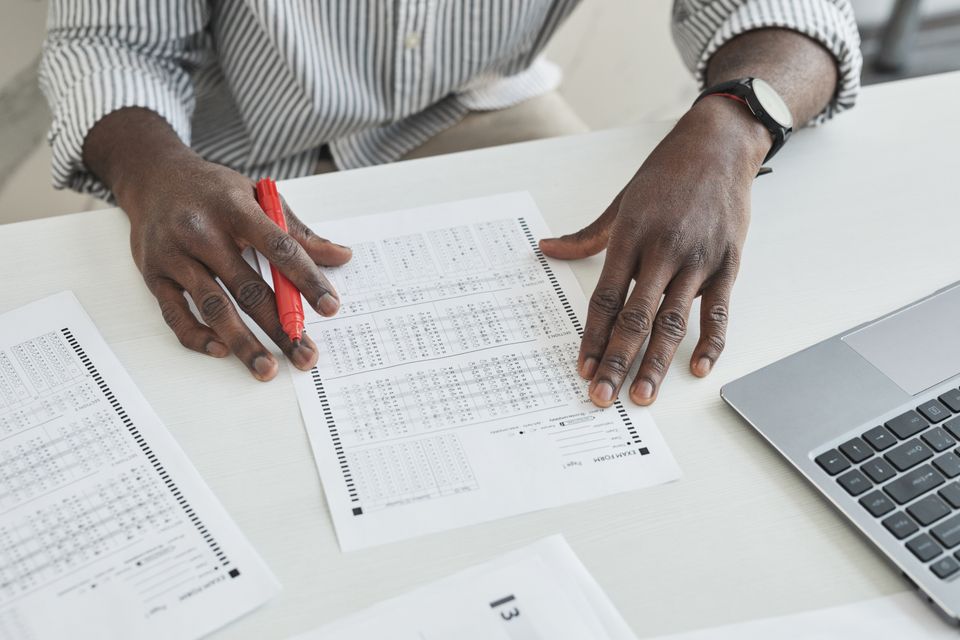
Plagiarism checker vs AI detector
These two tools answer different questions and are easy to confuse. A plagiarism checker looks for text that matches an existing source, meaning copied or closely reused writing. An AI detector tries to guess whether text was written by a language model, based on statistical patterns rather than any source match.
That difference matters because AI detection is far less reliable. Detectors produce false positives on human writing and false negatives on edited AI text, so their results are guesses, not proof. Plagiarism matches, by contrast, point to a specific source you can open and verify. For the full picture on the second category, see our guide to AI content detectors.
Honest caveats before you trust a score
Keep a few things in mind so a report does not mislead you.
- No checker is perfect. Each tool sees a different slice of the internet and its databases, so two checkers can give you two different scores for the same document.
- A match is not always plagiarism. Quotations, cited passages, common phrases, and standard terminology all show up as matches even when your work is entirely proper.
- A low score is not a free pass. You can still plagiarize by reusing an uncited idea the tool does not flag. The scan checks wording, not whether you gave credit.
- You still need to cite. The checker's job ends at highlighting overlap. Adding the reference, quotation marks, or paraphrase in your own words is on you.
Frequently asked questions
What is the best free plagiarism checker?
There is no single winner, but Quetext and Grammarly both offer usable free checks for short text against web sources. Free tools have word caps and smaller databases, so use them for a first pass and rely on a paid or institutional tool for graded work.
Do plagiarism checkers detect AI writing?
Not by default. A plagiarism checker looks for text that matches an existing source, while spotting AI-written text is a separate job handled by an AI detector. Some platforms like Copyleaks offer both as different features, and AI detection remains much less reliable than source matching.
Is a high similarity score always plagiarism?
No. Quoted material, cited passages, reference lists, and common phrases all raise the score without being plagiarism. Read each flagged section and check whether it is properly credited before you assume there is a problem.
Can I trust a plagiarism checker completely?
Use it as a helpful safety net, not the final word. Different tools scan different databases and can disagree, and none can confirm that you cited every idea correctly. Good citation habits still do most of the work.
Write original work, then check it
The strongest workflow is to do the thinking yourself and use tools to support it, then verify before you submit. With Chatgbot you can use GPT, Claude, DeepSeek, Qwen, and GLM in one place to understand your sources, paraphrase properly into your own voice, and organize your citations, then run the final draft through the plagiarism checker of your choice. Used this way, AI helps you write original work rather than copy it.